This page explains how to use SeaMeWe4 Net Tools: which calculator fits which task, what each output field means, and how to copy results. Found a wrong result? Report it on the contact page.
Author: SeaMeWe4 Net Tools · Updated 5 November 2026 · Results from standard formulas (2^(32−n) addresses, 2^n − 2 hosts); rules cited from IETF RFCs and AWS/Azure public docs.
Pick the right calculator
IPv4 subnet for one block, CIDR for ranges, VLSM for mixed sizes, IPv6 for prefixes, AWS/Azure for cloud subnets, latency for fiber delay.
- A single IPv4 network, with its range and mask — use the Subnet Calculator on the home page.
- Which subnet a single IP address falls inside — use the IP Subnet Calculator.
- Converting between CIDR notation and an IP range, or merging ranges — use the CIDR Calculator.
- Splitting one network into subnets of different sizes by host count — use the VLSM planner.
- 128-bit prefixes, compression or /64 counts — use the IPv6 Subnet Calculator.
- Usable IPs per subnet after a cloud provider’s reserved addresses — use the AWS/Azure VPC Subnet Calculator.
- Best-case fiber travel time between two cities — use the Network Latency Calculator.
What each output field means
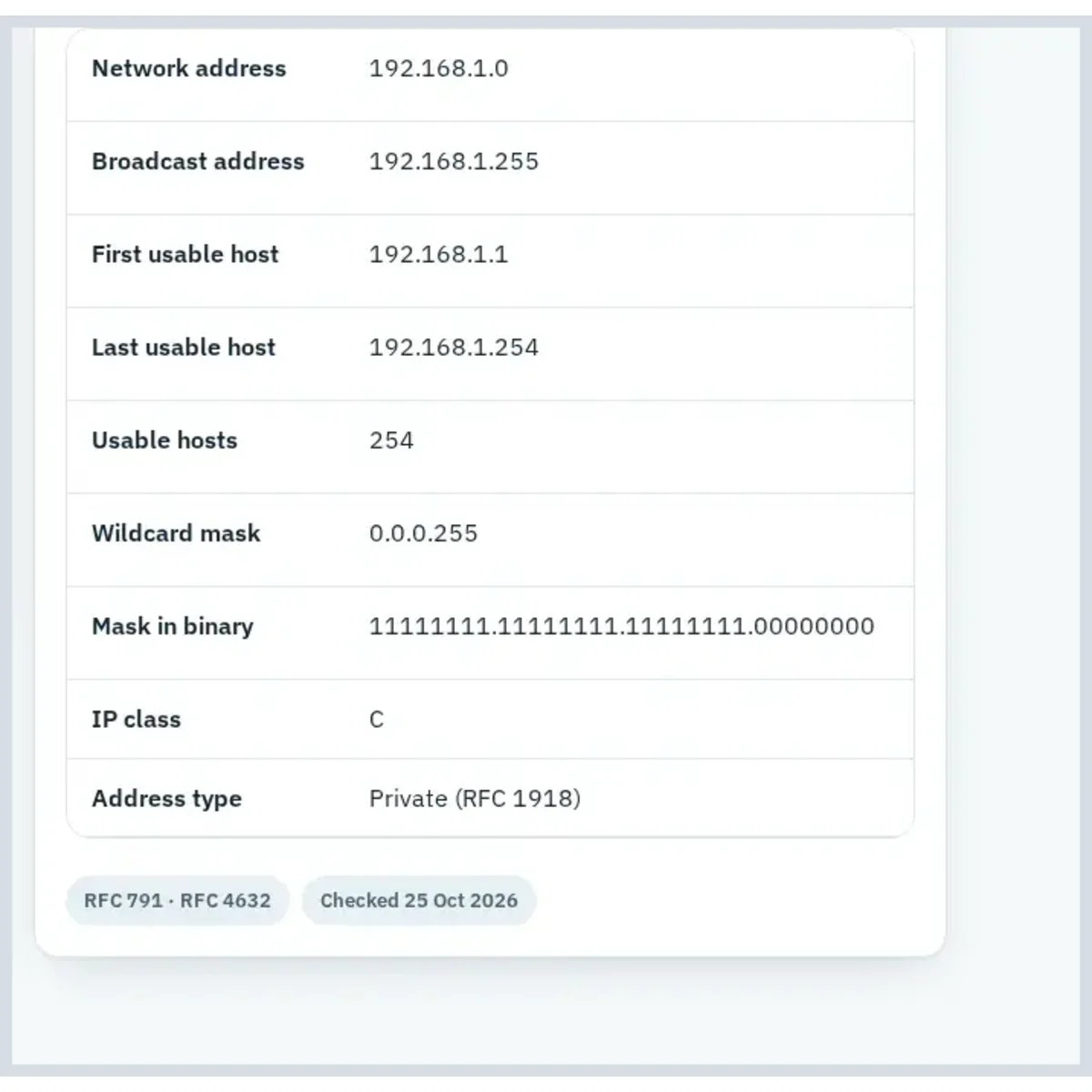
Field, meaning, and the example value shown for the default 192.168.1.0/24 network on the home page calculator.
| Field | Meaning | Example (192.168.1.0/24) |
|---|---|---|
| Network address | First address in the block, identifies the subnet itself | 192.168.1.0 |
| Broadcast address | Last address in the block, reserved for broadcasting to every host | 192.168.1.255 |
| First usable host | Lowest address a device can actually be assigned | 192.168.1.1 |
| Last usable host | Highest address a device can actually be assigned | 192.168.1.254 |
| Usable hosts | Total assignable addresses — network and broadcast excluded | 254 |
| Wildcard mask | Inverse of the subnet mask, used in access-list and routing syntax | 0.0.0.255 |
| Mask in binary | The subnet mask written out bit by bit | 11111111.11111111.11111111.00000000 |
| IP class | Legacy A/B/C classification of the network address | C |
Copying and sharing results
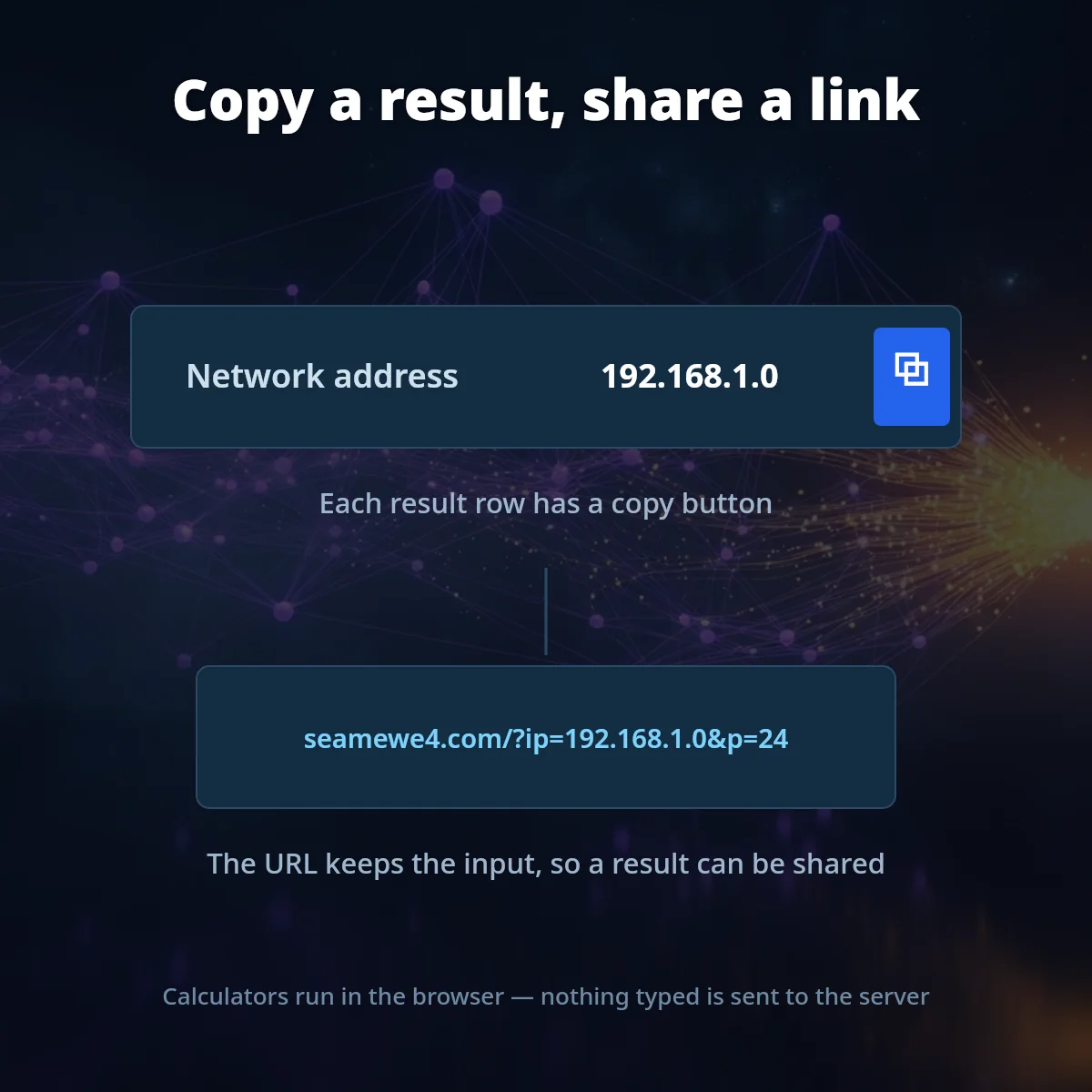
Each result row has a copy button; the URL keeps the input so a result can be shared. Calculators run in the browser; nothing typed is sent to the server.
Updated 5 November 2026 · SeaMeWe4 Net Tools
Was this page helpful?
One tap tells us which guides need more detail.
Thanks for your feedback!